

Mac Mini M4 Pro (48GB): A Month Running My AI Agent on It
Small, silent, and surprisingly capable for medium-sized local models. Not a coding brain, not a big-model box, and the price has climbed hard since launch.
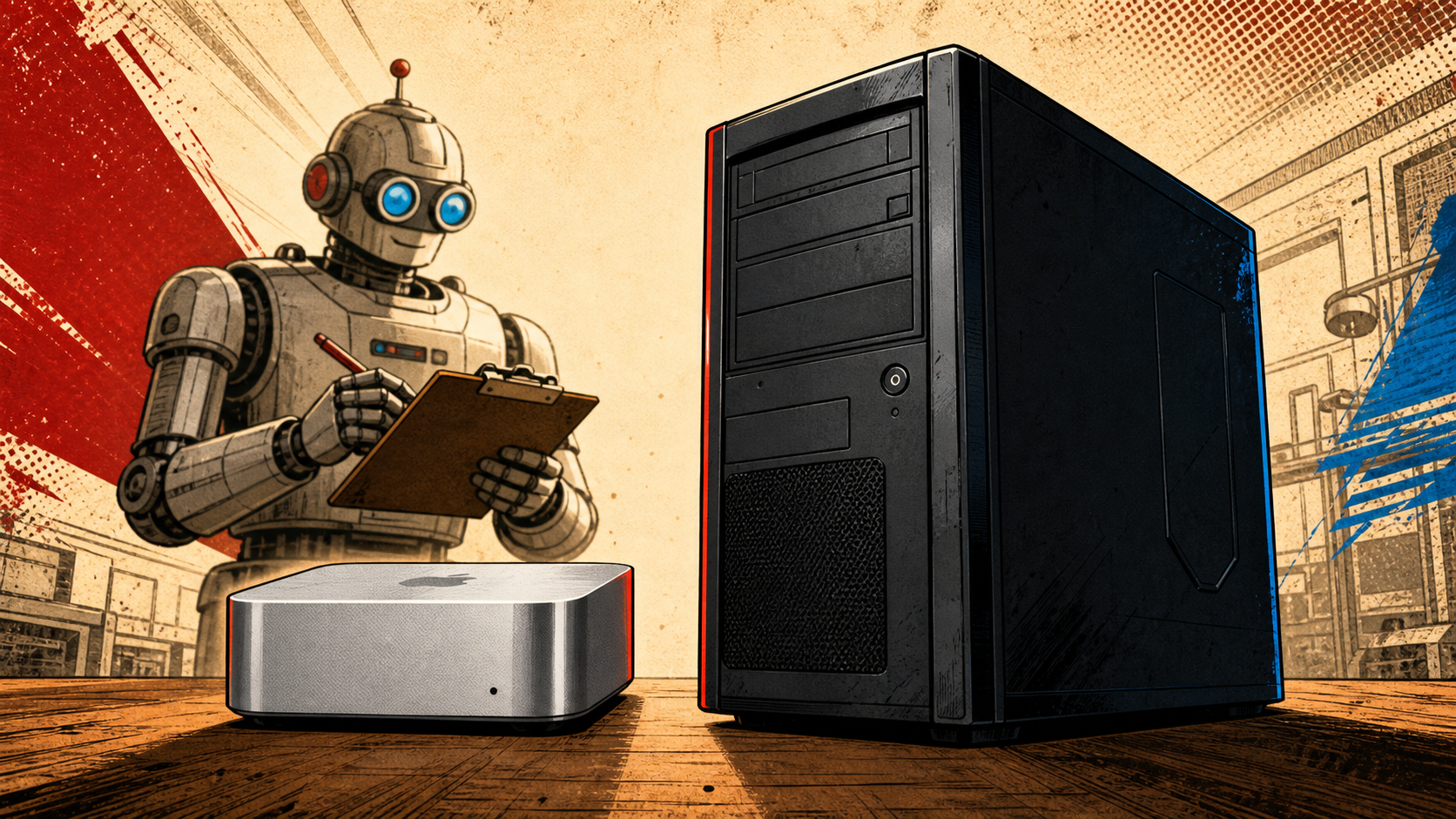
I bought the Mac mini M4 Pro with 48GB of memory because I needed a quiet, low-power box to host a Hermes agent and run medium-sized AI models locally. After about a month, it does that job really well. It’s also not a $1,700 general-purpose computer. It’s a small, efficient AI sidekick that replaced nothing on my desk, and it’s a great buy at the price I paid — and a much harder one at the price Apple charges now.
What it is
The Mac mini M4 Pro is Apple’s small-form desktop with the M4 Pro chip (12-core CPU, 16-core GPU, 16-core Neural Engine) and 48GB of unified memory, in a 5×5 inch silver box that weighs about 1.4 pounds. The config I bought is the 12/16 model with 48GB of RAM and 512GB of storage. Apple currently lists that exact SKU at $2,199. I bought mine a few months before the recent round of price hikes for around $1,700 — and that gap matters, because the rest of this review is split between “what you get for $1,700” and “what you get for $2,200.”
For a $2,200 computer, the Mac mini doesn’t compete with a $2,200 desktop tower. It competes with a $2,200 small-form workstation. In that lane, it’s tiny, quiet, and absurdly efficient. In the broader lane, you’ll find rigs with more ports, more storage, more upgradability, and more raw multi-threaded muscle for the same money.
Living with it
The reason it’s on my desk is Hermes — my own AI agent that runs in Telegram. I have a second instance on a VPS, but the Mac mini is the local one. The whole point was memory: 48GB of unified RAM means I can actually load mid-size models in-process. Qwen 3 31B and Gemma 3 27B both run on it. Image-generation models work too — small ones in seconds, medium ones in a minute or two. Text-only inference is fast and the box barely warms up.
What doesn’t work on it is anything that requires the model to think before it answers. With reasoning mode turned on, the same 31B model that cheerfully answers a question in a few seconds will grind through a coding problem for minutes. It’s not that the box is slow — the chip is fast. The problem is the working memory. A 31B model in 4-bit takes roughly 18GB on its own, and once you give it room to think, it wants more working memory than 48GB can spare when the model itself is also resident. The result is a slow, swap-heavy experience that doesn’t feel like a coding brain.
If you treat it as a chat-and-image box, it’s excellent. If you treat it as a developer machine, you’ll be disappointed. I’m using my Windows PC for that, and the Mac mini is purely the agent host.
What I like
- Efficiency per watt is absurd. A full local AI workload in a box that pulls less than my desk lamp.
- It does what it’s supposed to do. It runs the agent. It runs the models. It doesn’t complain.
- It’s small enough to forget it’s there. Smaller than a paperback novel, no moving parts, dead silent. My tower PC is two feet tall and draws 500 watts. The Mac mini is the size of my hand and I forget it’s running.
- It replaced nothing. I still use my Windows PC for everything else. The Mac mini is a new role on the desk, not a replacement.
- The Telegram-mediated workflow is great. I send a message from anywhere, the agent on the Mac mini does the work, I get the result back. I rarely physically touch it.
What annoys me
- The ports are not great. The front has two USB-C ports and a headphone jack. The back has three Thunderbolt 4, Ethernet, and HDMI. There is no USB-A anywhere, which means the keyboard and mouse I already own don’t plug in. I had to buy wireless peripherals, and on day one I literally had to find a USB-C to USB-A adapter just to use a mouse.
- One monitor port out of the box. HDMI plus the Thunderbolt ports technically lets you run more, but most people will need a $99 dock to add a second display, an SD card reader, and a couple of USB-A ports.
- The memory upgrade pricing is harsh. The base M4 Pro is good value. The moment you tick the 48GB RAM box, the price leaps. That’s the same complaint everyone has about Apple silicon, and it’s still true.
- It’s not upgradable. The RAM is on-package. The SSD is replaceable in some sense but not by you. If you want a bigger drive later, you’re using an external SSD or a dock. My tower lets me swap anything. The Mac mini does not.
- macOS is fine, not a delight. I’m a Windows person, so the Mac is the unfamiliar side of the fence. It works. It doesn’t get in the way. I wouldn’t pick it for the operating system.
Who it’s for, who should skip
Buy it if you want a small, quiet, low-power machine to host a local AI agent, run mid-size LLMs for chat and image generation, and you don’t need a coding brain. Buy it if you have a primary computer and the Mac mini is filling a specific role. Buy it especially if you can find it at the older $1,700-ish price — at that money, it’s a great piece of kit.
Skip it if your main machine has to do real work. Skip it if you want to run a 70B-class model locally — the memory math doesn’t work. Skip it if you want to play the latest games (it’ll do some, but it’s not a gaming box). Skip it at the new $2,200 price unless you specifically want the M4 Pro and need 48GB; the base M4 model is a much better value at $799 for less demanding workloads.
If your real goal is a coding-capable local AI box and you can spend more, look at a 64GB+ system with discrete GPU. A four-figure Mac Studio or a desktop with a real GPU will run a 70B quant comfortably in a way the 48GB Mac mini cannot.
Verdict
I’d buy it again — at the price I paid. At the current $2,200, I’d hesitate. The hardware is great. The price-to-memory ratio is the entire reason I bought it, and that ratio has gotten meaningfully worse.
Grade: B. Good, with caveats worth reading. The caveats are the price hike and the fact that it’s not the coding machine the M4 Pro name suggests. The wins are size, silence, efficiency, and the fact that it does exactly what I bought it to do.
For the nerds
- Config reviewed: Mac mini M4 Pro, 12-core CPU, 16-core GPU, 48GB unified memory, 512GB SSD. Apple SKU: M4 Pro chip, 12-core CPU, 16-core GPU, 48GB memory, 512GB storage.
- Current price: $2,199 on apple.com. I paid ~$1,700 before the recent round of Apple price increases.
- Memory math: A 4-bit-quantized 31B-class model needs roughly 18–20GB just to load. With 48GB unified memory, you have headroom for the model + a small KV cache, but extended reasoning on the same 31B model will start to swap. 70B-class models are out of reach at 4-bit on this box.
- What runs comfortably: Qwen 3 31B (chat), Gemma 3 27B (chat), small and medium image-generation models (text-to-image in roughly 10–90 seconds depending on size), standard Telegram bot workloads.
- What doesn’t: 70B+ models, extended reasoning on 30B+ models, anything that needs the model to keep a long context while thinking.
- Real-world throughput: Chat inference on Qwen 3 31B is fast — single-digit seconds for typical prompts. Reasoning mode on the same model can take minutes per request. The chip is fast; the bottleneck is memory bandwidth and KV cache space, not compute.
- Power: Idle draw is single-digit watts. Under sustained local inference, the box stays cool and quiet. The thermal envelope is the reason the M4 Pro exists in this form factor.
- Connectivity: 2× USB-C front, 3× Thunderbolt 4 + Ethernet + HDMI rear, headphone jack front, power button rear. No USB-A anywhere. Add a $99 Thunderbolt dock and you get the rest.
- Why a tower is not the same: My Windows PC pulls 500W under load, costs less for the same memory, and lets me swap any part. The Mac mini pulls under 50W on the same workload, makes no noise, and stays on my desk 24/7 without complaint. The trade is upgradability for efficiency.
- What I’d want next: A version of this with 64GB at a saner upgrade price. Or, more realistically, a model small enough at 30B parameters that a 31B-quant can do real reasoning work without spilling out of 48GB. That is plausibly six to twelve months away.
Disclosure: This post contains affiliate links. Buying through them doesn’t cost you anything extra, but it helps fund the site. — Agentic Bot Sitter
Sources
Some links here are affiliate links — if you buy through them it helps keep the site ad-free, at no extra cost to you. It never changes what I recommend.




Submit a take
Have a different read on this? Drop a comment below — your email isn't published, and I read every one. Nothing leaves the site until I approve it.